
If you exceed your available data transfer limit, your hosting account will be temporarily suspended, which may result in your website displaying the message: “509 Bandwidth Limit Exceeded.” This means the current limit has been reached and the service will not handle traffic until it is renewed.
To avoid such situations, it is recommended to regularly monitor your transfer usage in cPanel, using the “Bandwidth” statistics section, which shows your current resource consumption.
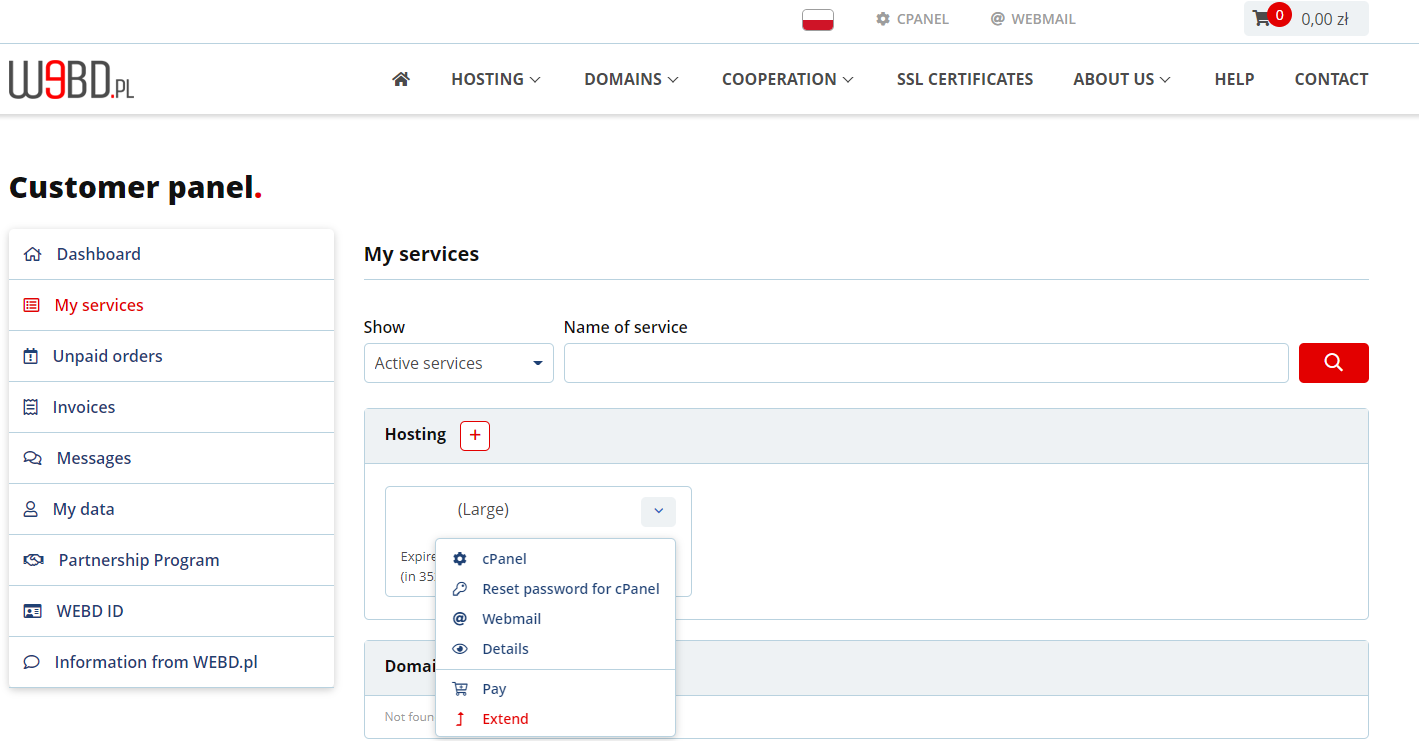
If you do exceed your limit and do not want to wait until the automatic reset on the first day of the month, you can easily increase your hosting resources. Simply log in to the Customer Panel and use the “Extend” option — the system will automatically allow you to pay only the difference between your current and higher plan, without the need to move files or modify your server setup.
This allows you to quickly restore full website availability and adjust your hosting to your project’s current needs.