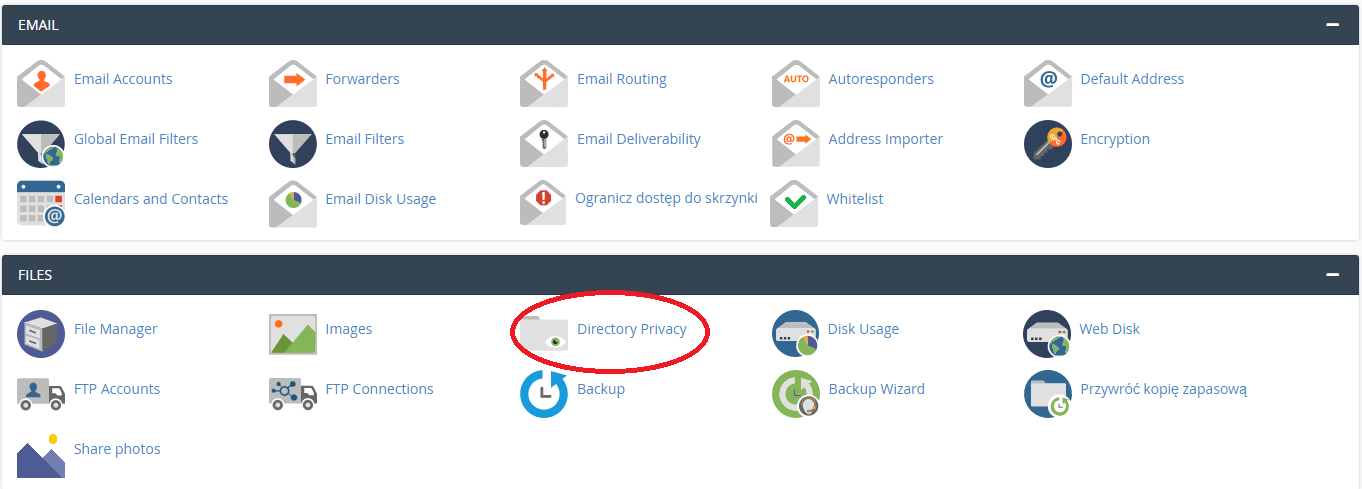

Securing a selected directory with a password on WEBD.pl hosting is quick and does not require any advanced configuration. This feature is available in cPanel under Directory Privacy.
It allows you to restrict access to specific resources — such as test environments, project backends, client files, or development areas — so that only users with a valid username and password can access them.
How to set it up step by step:
- Log in to cPanel.
- Go to the Files section and select Directory Privacy.
- Choose the directory you want to protect (e.g. within public_html).
- Enable password protection for that directory.
- Create a user and set a username and password.
- Save the changes.
From that moment on, any attempt to access the protected directory will require login credentials — the browser will display a standard authentication prompt.
In practice, this gives you an extra layer of security without the need to modify your website code or manually edit configuration files (such as .htaccess). It’s a convenient and effective solution you can implement in just a few moments.