
Logging in to cPanel at WEBD.pl is designed to be as simple and convenient as possible, so you can quickly manage your hosting whenever you need it.
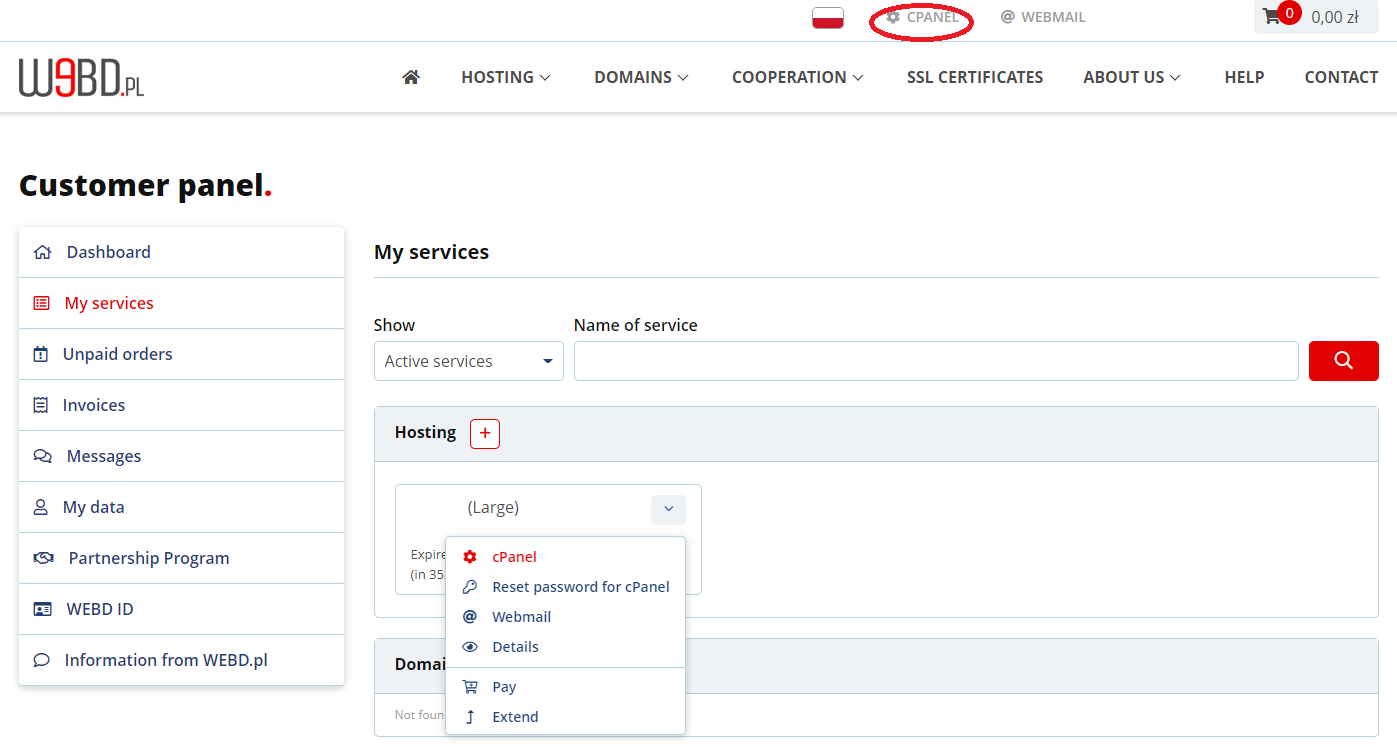
The easiest way is to go to the WEBD.pl homepage and click the cPanel icon in the top menu. You can also log in directly from the details of your hosting service in the Customer Panel — everything is always within easy reach.
Additionally, after your hosting account is activated, we send you an email with your login details and a direct cPanel access link, allowing you to get started even faster.
This ensures you always have quick and easy access to your control panel — without unnecessary steps or complications.