

To change the PHP version on your WEBD.pl hosting for a specific domain or the entire server, log in to cPanel and follow these steps:
1. In the Software section, find the Select PHP Version option.
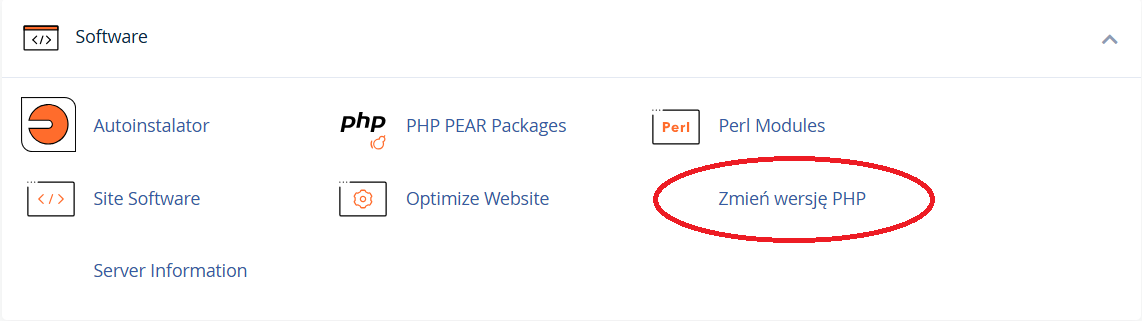
2. In the next step You can
- select a specific domain from the list for which you want to change the PHP version. Note! If you select the main domain with the webd.pro extension, the PHP version will be changed for the entire hosting account — including all domains.
- select the PHP version for all domains connected to the hosting account at once.

3. In case of selecting a specific domain, the system will display the current PHP version installed for this domain.

4. From the dropdown list, select the PHP version you want to install. We recommend choosing a version between 7.1 and 8.3.